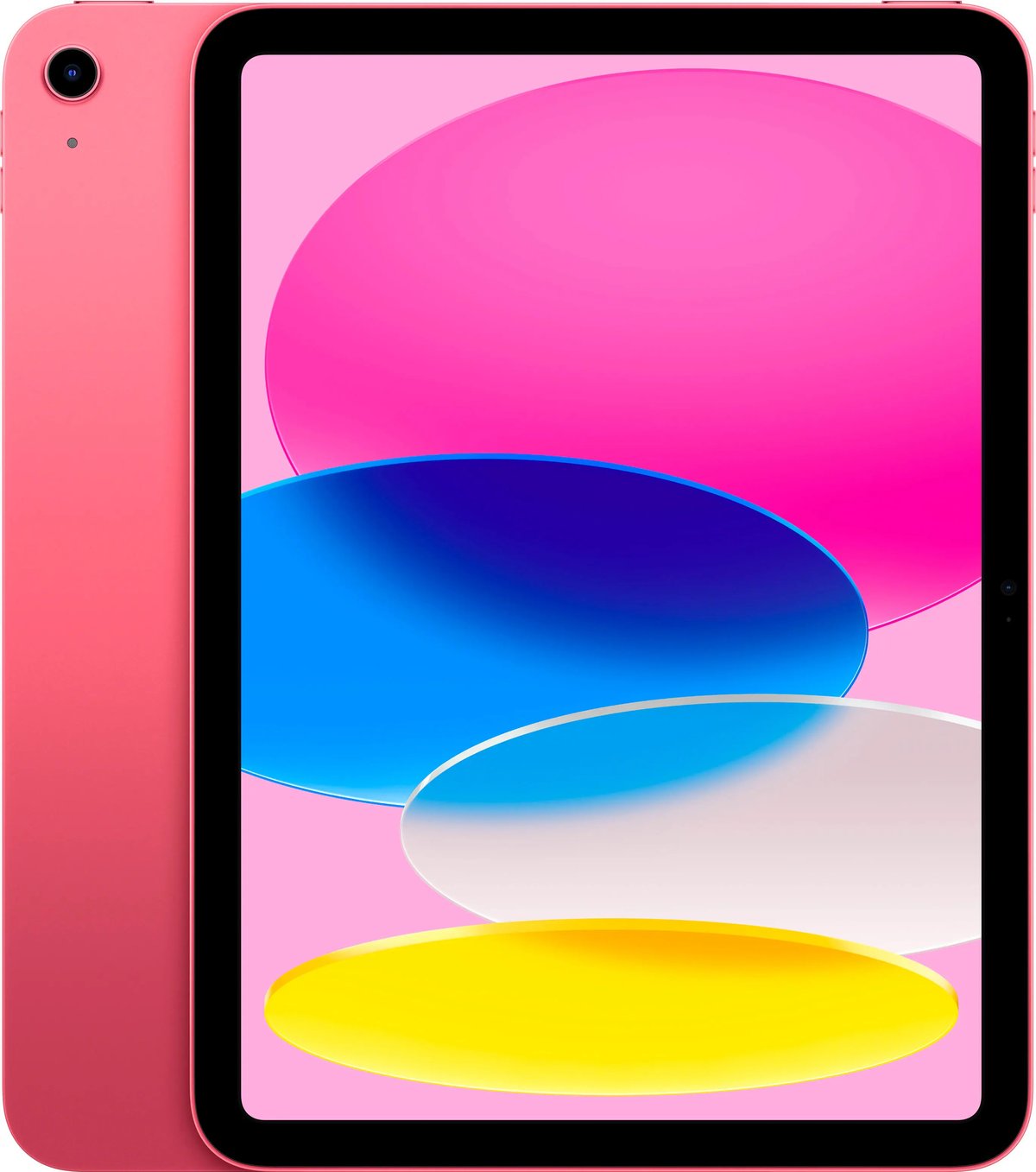
Ever wondered if your iPad can handle the latest apps, needs a new stylus, or what its true value might be? The key to unlocking all this information, and much more, lies in understanding its generation. Identifying your iPad's generation is more than just curiosity; it’s crucial for everything from ensuring compatibility with essential accessories and the latest software updates to accurately assessing its resale value. It even helps with troubleshooting common issues.
Knowing your iPad's generation empowers you to make informed decisions, protecting your investment and enhancing your user experience. If you’re curious about all the practical reasons this detail is so important for your device, then we invite you to Learn why your iPad generation matters.
Pinpointing Your iPad's Identity: The Model Number Method
The single most reliable method for identifying your iPad's generation is by locating its unique model number. This little string of characters acts like a fingerprint for your device, directly correlating to its specific generation. Forget guesswork; this is the definitive answer you’re looking for.
Where to Find Your iPad's Model Number
Apple provides two primary places to find this critical identifier. Both are straightforward, though one might be easier depending on your iPad's condition.
- On the Back of Your iPad:
Flip your iPad over. Near the bottom, you'll find tiny, etched text. Scan this area carefully for a label that starts with "Model A" followed by four digits, like "A1234" or "A1822." This is your device's model number. A magnifying glass can be incredibly useful here, as the text is quite small. - Within the Settings Menu:
If the text on the back is worn, illegible, or simply too hard to read, your iPad's software has you covered. Navigate toSettings>General>About. In this section, you'll see an entry for "Model Number." Initially, it might display a number with a forward slash (e.g., MNXX2LL/A). Don't fret! Simply tap this number, and it will magically transform into the more universally recognized "Axxxx" format (e.g., A1822) that you need. Ensuring your iPad is running the latest iOS/iPadOS version can make this navigation even smoother.
Decoding Your Model Number to Discover its Generation
Once you have that "Axxxx" model number firmly in hand, you're just a few steps away from knowing your iPad's generation.
- Search the Web: The quickest and most accurate way to translate your model number into a generation is to use a search engine like Google. Simply type "iPad model A1234" (substituting your actual number) into the search bar.
- Consult Apple's Official Support: For the most authoritative information, head directly to Apple's official support website. They maintain comprehensive lists that link every "Axxxx" model number to its corresponding iPad generation, ensuring you get precise and up-to-date details.
- Cross-Reference and Verify: After identifying the generation, take a moment to double-check. Compare the identified generation with your iPad's physical features and specifications. Look at its screen size, the presence (or absence) of a physical Home button, the design of the camera bump, and whether it has a Smart Connector. Remember that Wi-Fi-only and Wi-Fi + Cellular models of the same generation might have slightly different "A" model numbers, but they will still belong to the same core generation.
For a deeper dive into all the available methods, including using your serial number or original packaging, and to find the technique that works best for your specific situation, explore How to Identify Your iPad.
Understanding What "Generation" Truly Means for Your Device
An iPad "generation" isn't just a fancy label; it refers to a distinct model or series of iPads released by Apple, typically featuring significant hardware upgrades, software enhancements, and often design revisions. Each new generation brings advancements in processing power, display technology, camera capabilities, and compatibility with new accessories. If you're looking to truly grasp the nuances between different iPad lines and how generations fit within them, Understanding iPad Model Series and can provide invaluable clarity.
Why Knowing Your iPad's Generation is Crucial
Beyond simple identification, knowing your iPad's generation has tangible benefits that directly impact your user experience and potential future plans for your device.
Software Compatibility and Updates
The age and generation of your iPad directly dictate which versions of iPadOS it can run. Older generations eventually lose support for the latest software updates, meaning you'll miss out on new features, security patches, and performance improvements. This is a critical factor for long-term usability. To ensure your device stays current and secure, you might want to Check iPad update compatibility against its generation.
Choosing the Right Accessories
From Apple Pencils to Smart Keyboards and cases, not all accessories are universally compatible across every iPad generation. A case designed for a 7th-generation iPad won't fit an 11-inch iPad Pro, for instance, due to differences in physical dimensions, port placement, and camera cutouts. The same goes for the various Apple Pencil models, which have specific compatibility requirements. If you're in the market for new gear, knowing your generation is essential to avoid purchasing incompatible items. To explore compatible options tailored for your specific model, Here are a few options for compatible accessories.
Assessing Your iPad's Value
Whether you're looking to sell your old iPad, trade it in, or simply insure it, its generation is a primary determinant of its market value. Newer generations with more advanced processors and features naturally command higher prices. Providing accurate generation information ensures you get a fair assessment or the best possible return on your investment.
Mistakes to Avoid When Identifying Your iPad
While the model number method is foolproof, it's easy to fall into common traps if you rely on less precise methods:
- Don't Rely Solely on Visual Cues: While screen size or the presence of a Home button can offer a rough estimate, these are not definitive. Many generations share similar aesthetics. The iPad's color, for example, is never a reliable indicator.
- Beware of Unverified Third-Party Sites: Always cross-reference information with Apple's official sources to ensure accuracy.
- The Model Number Doesn't Indicate Storage: Your storage capacity (e.g., 64GB, 256GB) is listed separately in the "About" section and is not part of the "Axxxx" model number.
For future reference—whether for troubleshooting, selling, upgrading, or purchasing accessories—it’s always a smart move to write down your iPad's generation and model number. Taking a screenshot of the "About" section is also a quick and handy way to keep this information readily accessible.
If, after following these steps, you're still uncertain about your iPad's generation, don't hesitate to seek expert help. A visit to an Apple Store or an authorized service provider can quickly resolve any lingering doubts.
Understanding your iPad's generation is a small step that yields significant benefits, ensuring you maximize its potential and make informed decisions throughout its lifespan.